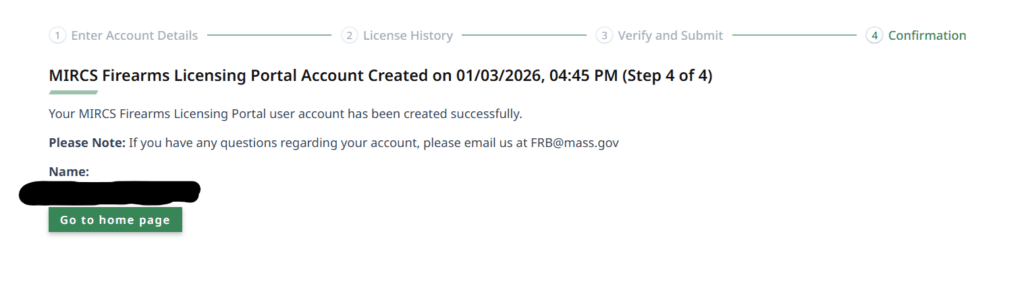

Adding your FID or LTC to Your Account
Use this guide to add your license to your new MIRCS Account
Step 1
Login in and get to the MIRCS Unified Gun Portal Page
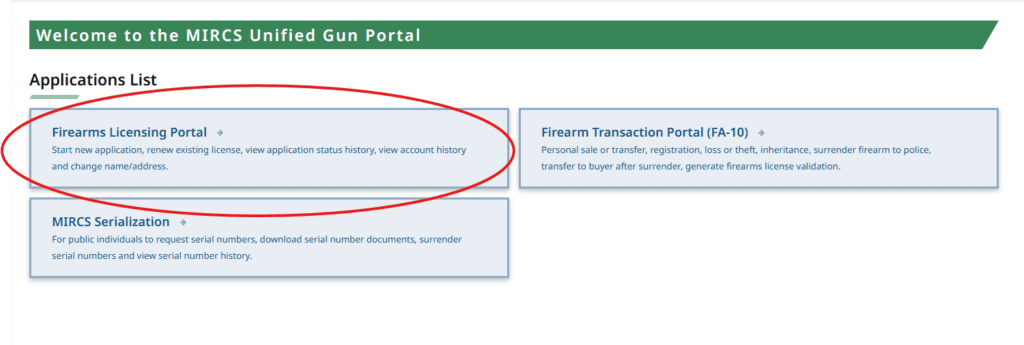
Step 2
Fill Out Any Boxes with Red stars next to them. Save the Security Questions and Answers somewhere safe. Use the Information off of Your LTC or FID Card for this.
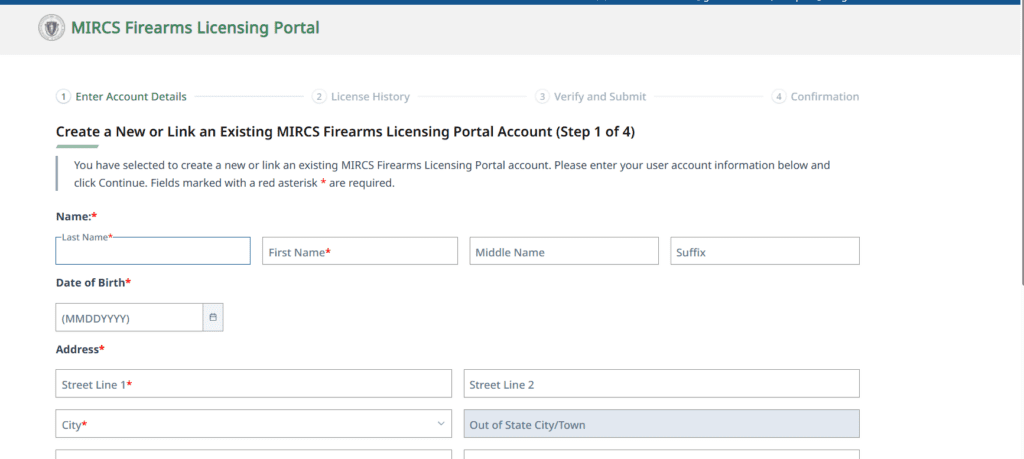
Step 3
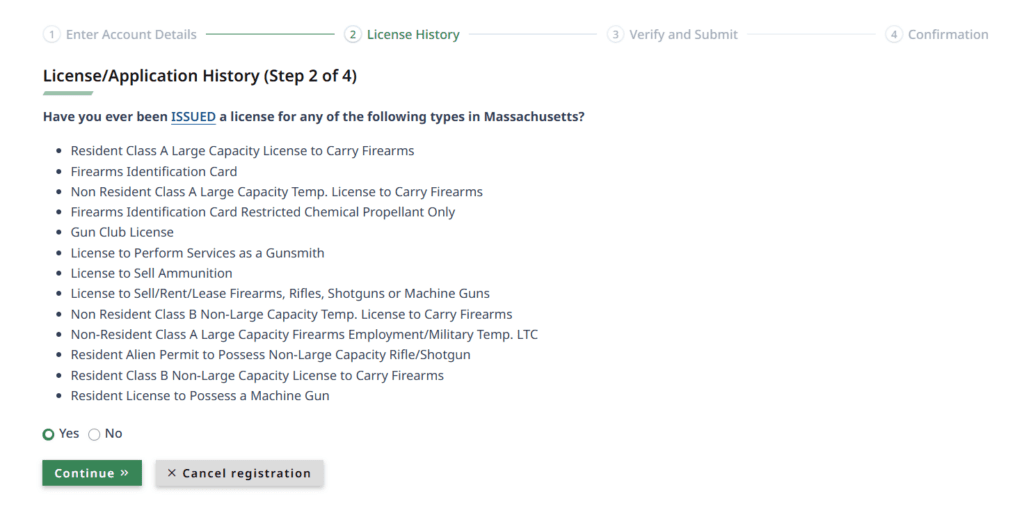
Click Yes That You Have Applied for a License Before. Click Continue.
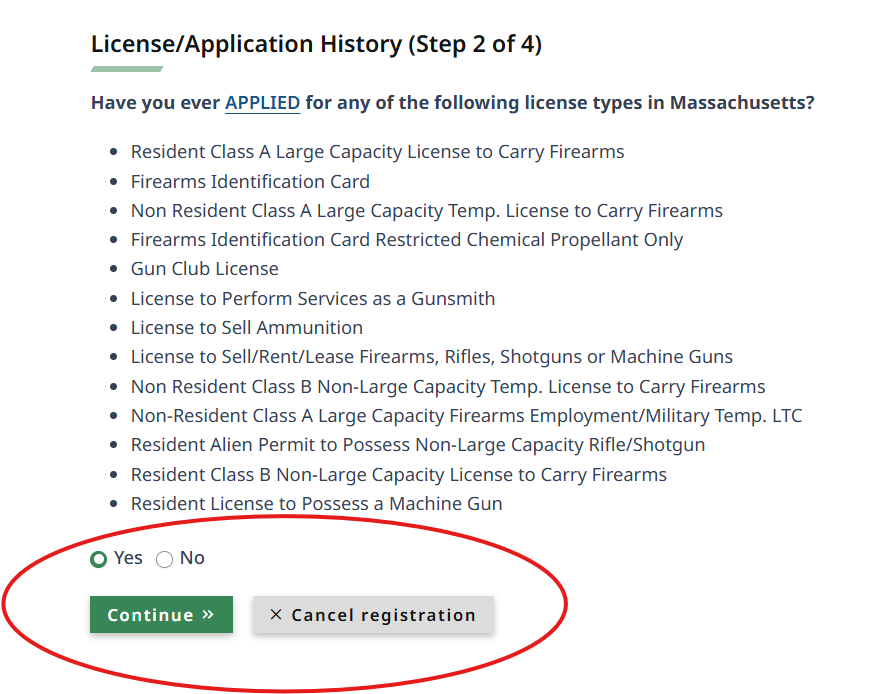
Click Yes That You Have Been Issued a License Before. Click Continue.
Step 4
Enter Your Current License Information Here

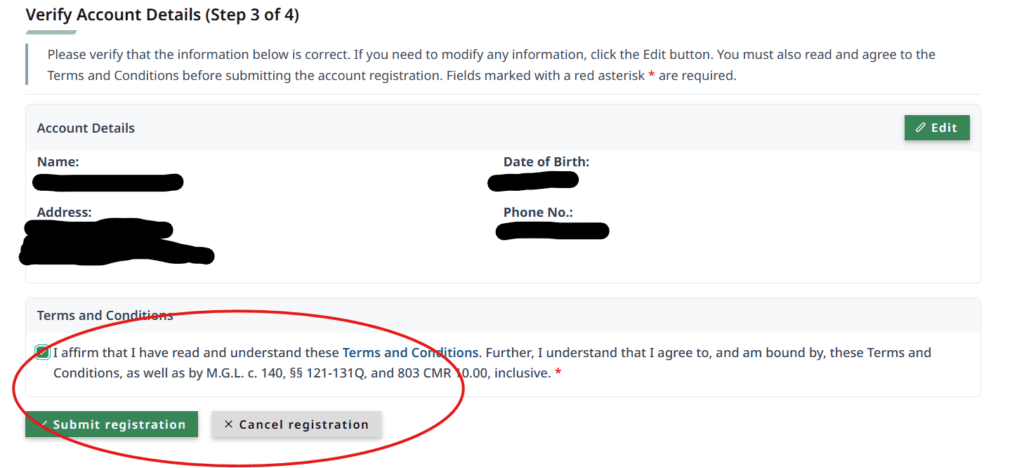
Verify the Information, Check the Box and Click Submit.
You are Done! Return to the Home Page!